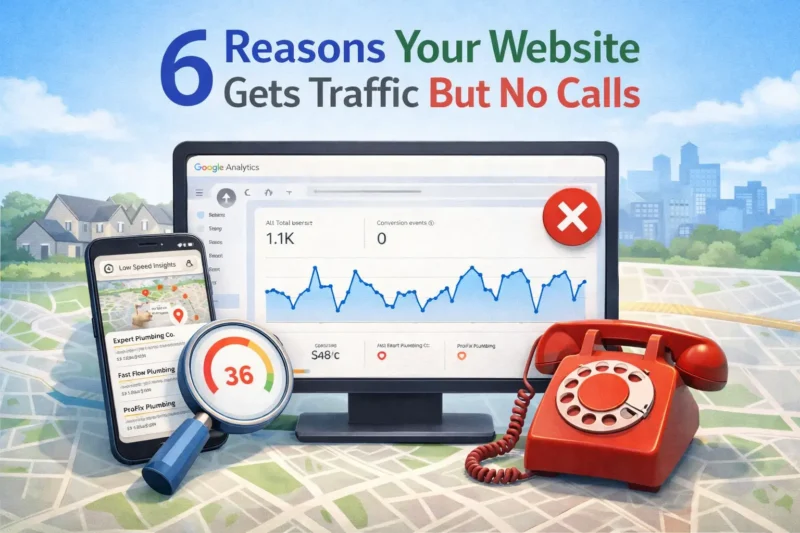
6 Reasons Your Website Gets Traffic But No Calls (And What’s Actually Wrong)
Website traffic but no calls? Let me explain it with a case study. A cleaning company owner in Houston messaged me last year. His site was getting around 400 visitors a month. He had done some SEO work, his pages were showing up in Google, and his Google Analytics was green. But his phone was silent. Three months in a row with barely two or three inquiries total.
He thought he needed more traffic. He didn’t. He needed to fix what was happening after people landed on his site.
I cover my full approach to diagnosing and fixing these problems on my about page.
The Quick Answer
Getting traffic without calls usually means one of three things: the wrong people are finding your site, the right people are landing but leaving immediately because the site is slow or confusing, or visitors can’t figure out how to contact you fast enough. Traffic is not the goal. Calls and inquiries are the goal. This post walks through the exact reasons this gap happens and what to fix first.
Why Traffic and Calls Are Two Completely Different Things
Most service business owners assume that more traffic equals more calls. It feels logical. More people visit, more people call.
But Google does not send you paying customers. It sends you visitors. What happens after they land is entirely up to your website.
A visitor landing on your site is like a customer walking into your shop. If the shop is messy, slow to navigate, and the phone number is hidden in a corner, they walk back out. They found you. That part worked. Everything after that failed.
This is one of the most common problems I see when I audit service business websites. The SEO is working. The rankings are there. But the site itself is quietly turning away the very people it attracted.
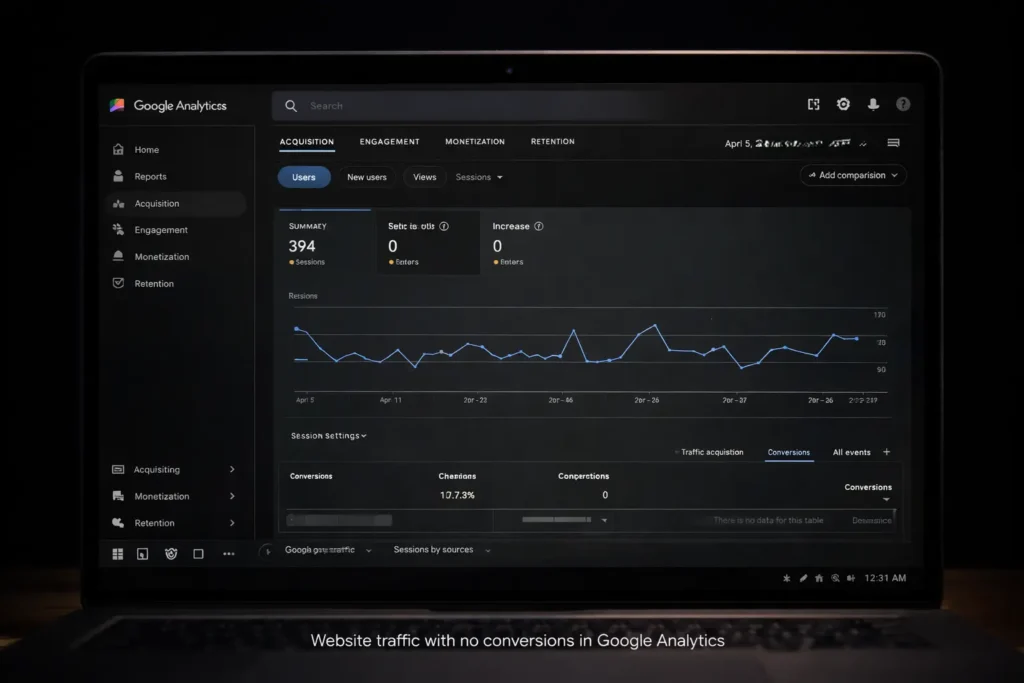
Reason 1: You Are Ranking for the Wrong Keywords
This is the most common cause and the one people least expect.
If your cleaning business in Houston is ranking for “how to remove carpet stains at home,” you will get traffic. But those visitors want a DIY tip, not a cleaning service. They will read your article and leave without ever thinking about calling you.
The keywords that bring calls are the ones with buying intent. “House cleaning service Houston,” “carpet cleaning near me,” “commercial cleaning company Houston Heights.” These are searches from people who have already decided they want to hire someone. They just need to find the right person.
“If you run a medical or dental clinic, the same principle applies — I cover exactly how to target the right patients in my guide on SEO for Medical Clinics.”
And if your profile isn’t showing up at all, that’s a different problem — I cover the exact reasons in Why Is My Business Not Showing on Google Maps.
Informational keywords bring readers. Commercial and local intent keywords bring customers.
When I audited the Houston cleaning company I mentioned earlier, over 60 percent of its organic traffic was coming from informational blog posts he had written months ago. Great for traffic numbers. Useless for generating calls.
The fix is to look at your Google Search Console data, filter by the queries bringing you traffic, and check the intent behind each one. If most of your traffic is coming from informational searches rather than local service searches, that is where the disconnect is.
Reason 2: Your Site Loads Too Slowly
A visitor who waits more than three seconds for your page to load will often leave before they see anything.
On mobile, which is where most local searches happen, the patience is even thinner. Someone searching for a plumber while standing next to a leaking pipe is not going to wait six seconds for your homepage to load. They will hit back and call your competitor.
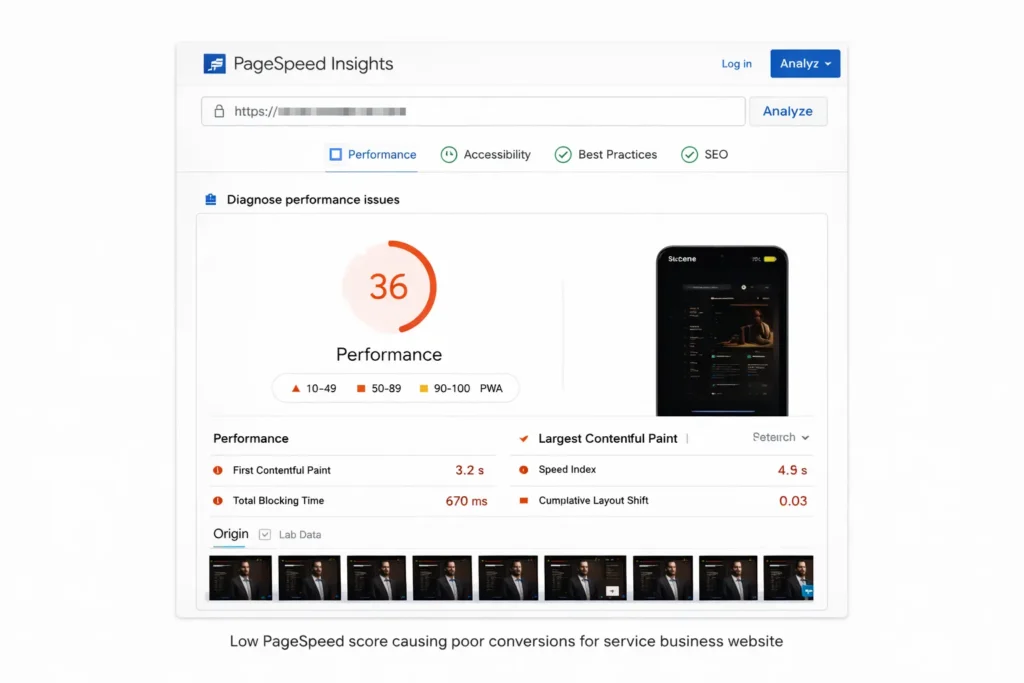
Google PageSpeed Insights gives every site a score from 0 to 100. Most service business websites I audit score between 30 and 60 on mobile. That means roughly half the people who click on your site are potentially leaving before the page even finishes loading.
I worked with a roofing contractor in Texas whose site was getting solid rankings but terrible conversion. His mobile PageSpeed score was 34. After fixing his Core Web Vitals, compressing images, removing unused plugins, and cleaning up his above-the-fold rendering, his score went to 91. Inquiry volume from organic traffic more than doubled in the following six weeks.
Speed is not a technical vanity metric. It is a direct line to revenue.
You can check your own score right now at pagespeed.web.dev. If your mobile score is below 70, this is almost certainly contributing to your low call volume.
Reason 3: Your Phone Number Is Hard to Find
This one sounds too simple to matter. It matters enormously.
A visitor who lands on your homepage has a question in their mind within three seconds: can this business help me, and how do I reach them? If the answer to the second part is not immediately obvious, many people will not go looking for it.
Your phone number needs to be visible without scrolling on every page. In the header on desktop. At the top of the page on mobile. Not hidden in a footer, not only on the Contact page, not requiring someone to look for it.
I have audited sites where the only phone number was buried in the footer in small grey text. The business owner had no idea this was a problem because to him, the number was “on the website.” But on mobile, most visitors never scroll to the footer.
A sticky header with a click-to-call phone number is one of the simplest things you can add to a service business site. On mobile especially, a visible phone number that opens the dialer with one tap removes every barrier between a visitor and a call.
Reason 4: Your Site Does Not Build Trust Fast Enough
A service business asking someone to invite a stranger into their home or hand over a job worth thousands of dollars needs to earn trust before that visitor will pick up the phone.
If your site has no reviews, no photos of real work, no certifications, no before and after results, no information about who you actually are — it feels anonymous. And anonymous service businesses do not get calls from careful buyers.
What builds trust on a service business website:
Real photos of your work, not stock images. A face and a name, not a faceless “our team” page. Verified reviews or testimonials with names and locations. Certifications or credentials that are verifiable. Results or case studies with specific numbers.
Every one of these elements answers a question the visitor is silently asking: can I trust this person enough to let them in my house or give them my money?
The cleaning company in Houston I mentioned earlier had a homepage full of stock images of smiling women in aprons. No photos of actual work done, no reviews visible on the page, no mention of who owned the business. It looked like a template, not a real company. Adding real photos, pulling in Google reviews, and putting a short personal bio on the homepage contributed significantly to the improvement in his inquiry rate.
Reason 5: Your Pages Are Not Targeting the Right Location
If you serve Houston but your website says “we serve the greater Houston area” with no further detail, you are competing against every other generic service business in the same category.
Local SEO works at the neighborhood level. Homeowners in The Woodlands search for services near The Woodlands.
Business owners in Katy search for services in Katy. Someone in Clear Lake is not looking for a contractor who serves “greater Houston.” They want someone nearby.
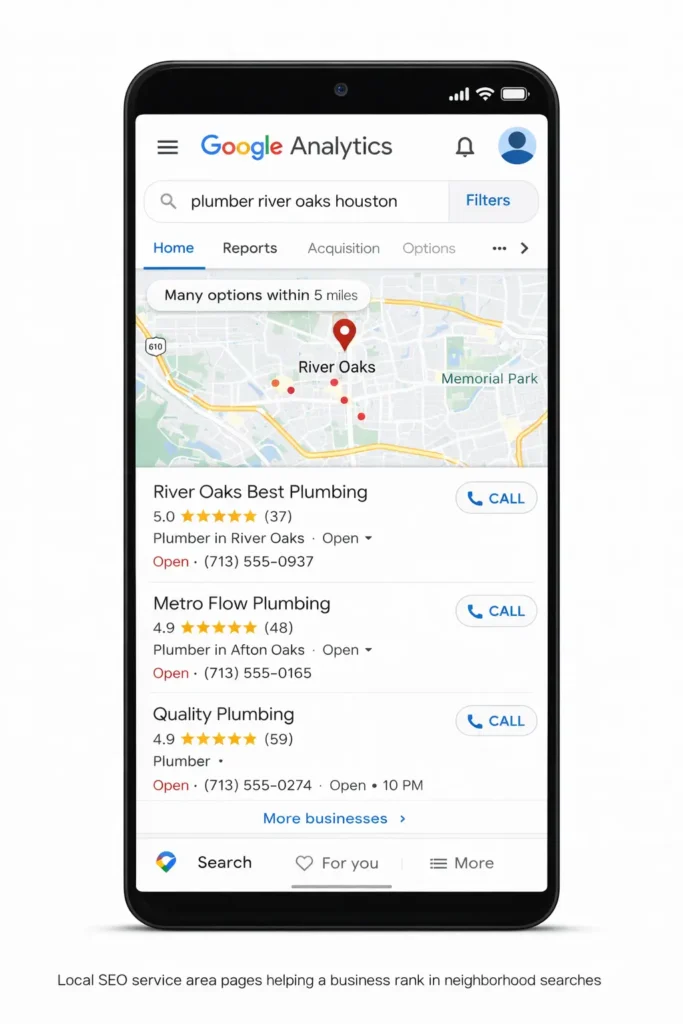
Service area pages targeting specific neighborhoods, cities, and districts within your market do two things. They tell Google exactly where you operate so it can serve you in the right local searches. And they tell visitors that you actually work in their area, which matters to people hiring for services where proximity and reliability are connected in their minds.
A plumber who has a page specifically about plumbing services in River Oaks, Houston will outperform a plumber with a generic homepage in River Oaks local searches almost every time.
Reason 6: Your Call to Action Is Weak or Missing
Reading about your services is not the same as being asked to take action.
Many service business websites describe what they do well but never clearly ask the visitor to call, book, or get a quote. The visitor reads everything, nods along, and then closes the tab because there was no clear moment where the site said “here is the next step.”
Every page on your site needs a visible, specific call to action. Not “learn more.” Not “contact us” in a tiny link at the bottom. Something like “Call now for a free estimate” or “Get your free site audit today” with a button or phone number directly below it.
The call to action should appear at least twice on a long page. Once after the visitor has read enough to be interested, and once at the bottom for those who scroll all the way through. On mobile, it should be impossible to miss.
What to Fix First
If you are getting traffic but no calls, here is the order I would address these issues in.
Start with your Google Search Console. Look at what queries are actually bringing people to your site. If the traffic is mostly informational and not local or commercial intent, that is your root cause.
Then check your PageSpeed score on mobile. If it is below 70, that needs fixing before almost anything else.
Then look at your homepage on a mobile phone as if you were a first-time visitor. Is your phone number visible immediately? Is there a clear call to action above the fold? Does the page load within three seconds?
Those three things alone fix the majority of cases I see where traffic exists, but calls do not.
If you want to see the full list of fixes I offer, check out my Technical SEO and Website Speed services.”
If you want me to look at your specific situation, I do a free audit where I go through your Search Console data, check your PageSpeed score, and look at your site the way a first-time visitor would. You can reach out through the contact page and I will take a look.
A Real Example
The cleaning company in Houston I mentioned at the start. Here is exactly what we found and fixed.
His traffic was dominated by informational blog post keywords. We identified eight high-intent local keywords he was not targeting at all and built proper service pages around them.
His mobile PageSpeed score was 41. Image compression, plugin cleanup, and render-blocking script removal brought it to 88.
His phone number was only in the footer. We added a sticky header with a click-to-call button visible on every page on mobile.
He had stock photos throughout. We replaced them with actual job photos and added three real client testimonials with names and neighborhoods.
Within ten weeks, his monthly inquiries went from two to three to fourteen to eighteen. Same traffic level. Completely different conversion rate.
You can see more results like this in the case studies section, where I break down similar projects with full before-and-after data.