Why Your Business Disappeared from Google Overnight
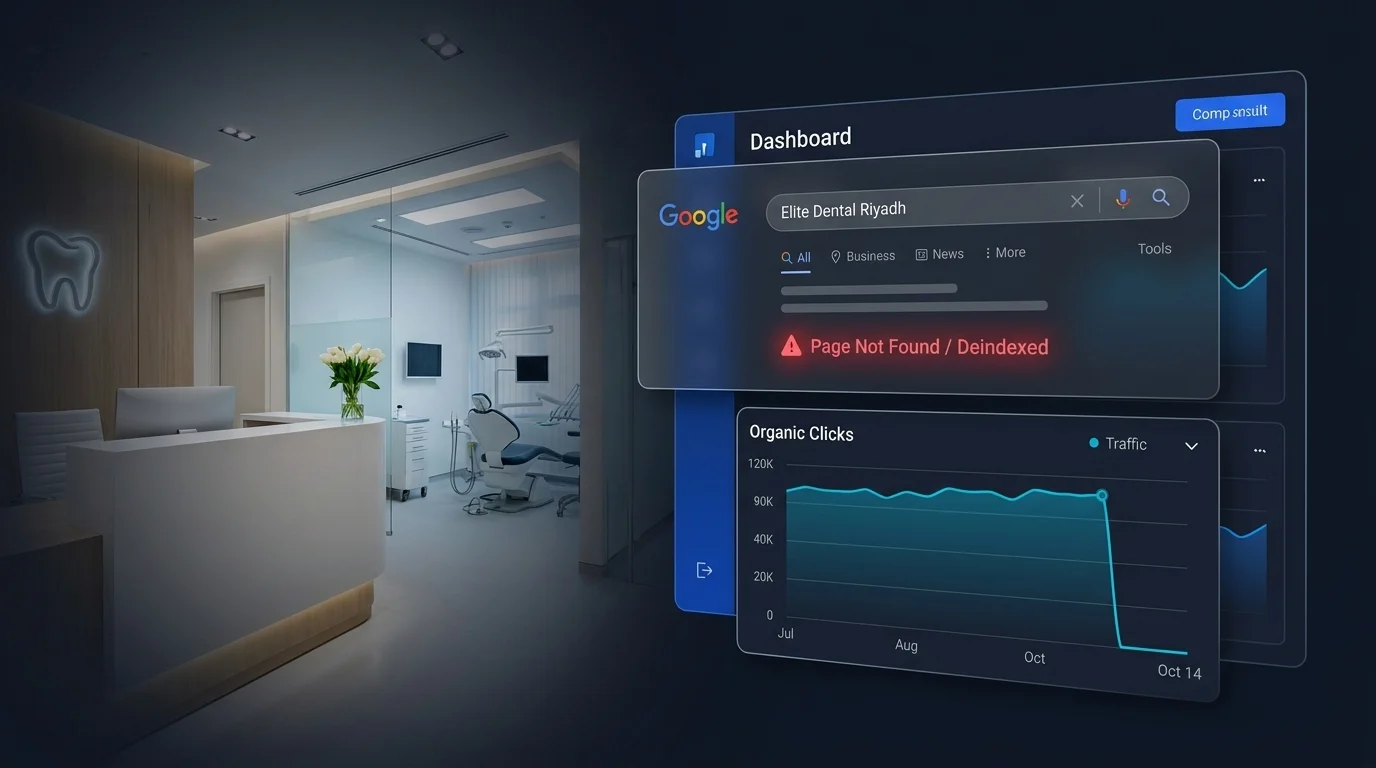
A dental clinic reached out to me in a panic after their website disappeared from Google. Two days earlier, they were showing up for their own name. Then nothing. Not page one, not page five. Gone.
Nobody had touched the website. No redesign, no plugin update, no obvious change. That’s usually when the panic sets in, because it feels random.
It almost never is.
Quick Answer: Why Did My Website Disappear from Google?
A website that disappears overnight is usually dealing with one of five things: a manual action or penalty, accidental deindexing through a robots.txt or noindex mistake, a technical crawl or server issue, a hosting or DNS problem, or in rare cases a algorithm update that hit a specific type of content hard. The fastest way to know which one is checking Google Search Console first, before anything else.
What This Looks Like
You search your business name and either nothing comes up, or the wrong page comes up, or a competitor’s page comes up instead of yours.
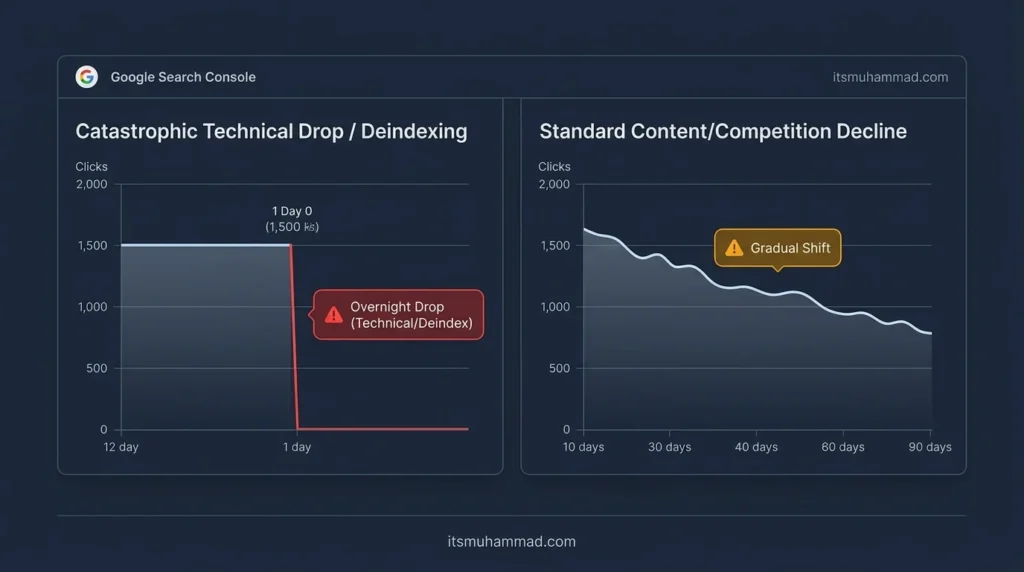
When a website disappeared from Google, organic traffic in your analytics drops to almost zero on a specific date. Not a gradual decline. A cliff.
This is different from a slow ranking slide, which usually points to content or competition issues. A sudden drop points somewhere more specific and technical.
Why This Happens
Manual actions happen when Google’s team, not just an algorithm, flags something specific on your site: unnatural links, thin content, or a violation of their spam policies. These show up directly in Search Console under Manual Actions, so this is always the first place to check.
Accidental deindexing is more common than people think, and it’s usually self-inflicted. A developer pushes a site update and forgets to remove a “noindex” tag that was meant for a staging site. A robots.txt file gets updated and accidentally blocks the entire site instead of just one folder.
Technical crawl issues happen when Google’s crawler can’t reach your site reliably: server errors, a hosting outage, an SSL certificate that expired, or a security plugin misfiring and blocking Googlebot by mistake.
Hosting or DNS problems are the quiet ones. If your hosting provider had downtime right when Google tried to crawl your site repeatedly, it can interpret that as your site being unreliable or gone entirely.
Algorithm updates are the least common overnight cause for a total disappearance, but they do happen, usually for sites relying heavily on thin or low-value content across many pages at once.
The Fix: Step by Step
Step 1: Check Google Search Console for manual actions first
Log in, go to Security and Manual Actions, then Manual Actions. If something is listed, this is your answer, and the fix involves correcting the specific issue then submitting a reconsideration request.
Step 2: Check your robots.txt and meta robots tags
Visit yourdomain.com/robots.txt directly and read it. Look for a “Disallow: /” line, which blocks the entire site. Then check your homepage source code for a noindex meta tag that shouldn’t be there.
Step 3: Check the URL Inspection tool for your key pages
In Search Console, paste in your homepage URL and check the indexing status. It will tell you directly whether Google considers the page indexed, blocked, or removed, and often why.
Step 4: Confirm your site is actually reachable
Check your hosting dashboard for any recent downtime alerts. Confirm your SSL certificate hasn’t expired. A site that returns errors to Googlebot repeatedly can lose its indexing.
Step 5: Fix the specific issue, then request reindexing
Once the actual cause is fixed, whether that’s removing a noindex tag, correcting robots.txt, or resolving a hosting issue, use the URL Inspection tool to request reindexing rather than waiting for Google to find the fix on its own.
A Pattern I See Often
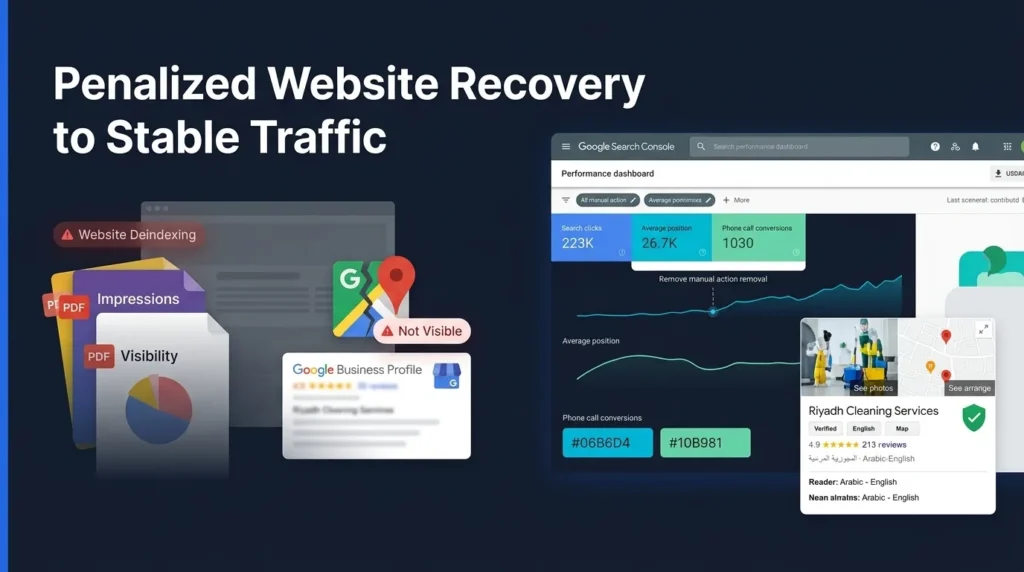
The dental clinic I mentioned earlier had a straightforward cause: an SSL certificate had quietly expired two days before the drop, and Google’s crawler couldn’t reach the site securely during that window. Once it was renewed and reindexing was requested, visibility recovery followed within a short period, though the exact timeline depends on how frequently Google was already crawling that specific site.
I mention this because the cause is almost always more boring and more fixable than it feels in the moment. Panic makes it feel catastrophic. Most of the time, it’s one specific, correctable thing.
What Not to Do
Don’t rebuild your entire website out of panic before you’ve confirmed the actual cause. Don’t disavow links you haven’t verified are actually a problem. And don’t submit a reconsideration request before you’ve fixed the underlying issue. It almost always gets rejected, and it delays the real fix.
For the exact recovery workflow I walk clients through once the cause is identified, the step by step recovery process I use covers it in more depth.
If Your Site Just Disappeared
If this happened to you recently and you’re not sure which of these five causes applies, I’m happy to take a look. Free audit, no pitch, just an honest read on what Google is actually seeing.
Frequently Asked Questions
The Bottom Line
When a website disappeared from Google overnight, it feels catastrophic, but it’s almost always traceable to one specific, fixable cause.
Start with Search Console, not guesswork. The manual actions report and the URL Inspection tool will usually tell you exactly what happened within a few minutes.
If you’d rather have someone walk through it with you, I’m happy to take a look and tell you honestly what I find.